
Stop reconciling. Start running your real numbers.
Your accounting data shouldn't live in one system while your operations run in another. Statim ERP connects taxes, currencies, ledger accounts, and payment tracking directly to your sales, purchasing, and inventory workflows. Every transaction posts where it should, in the right currency, with the right tax. No double entry. No monthly cleanup.
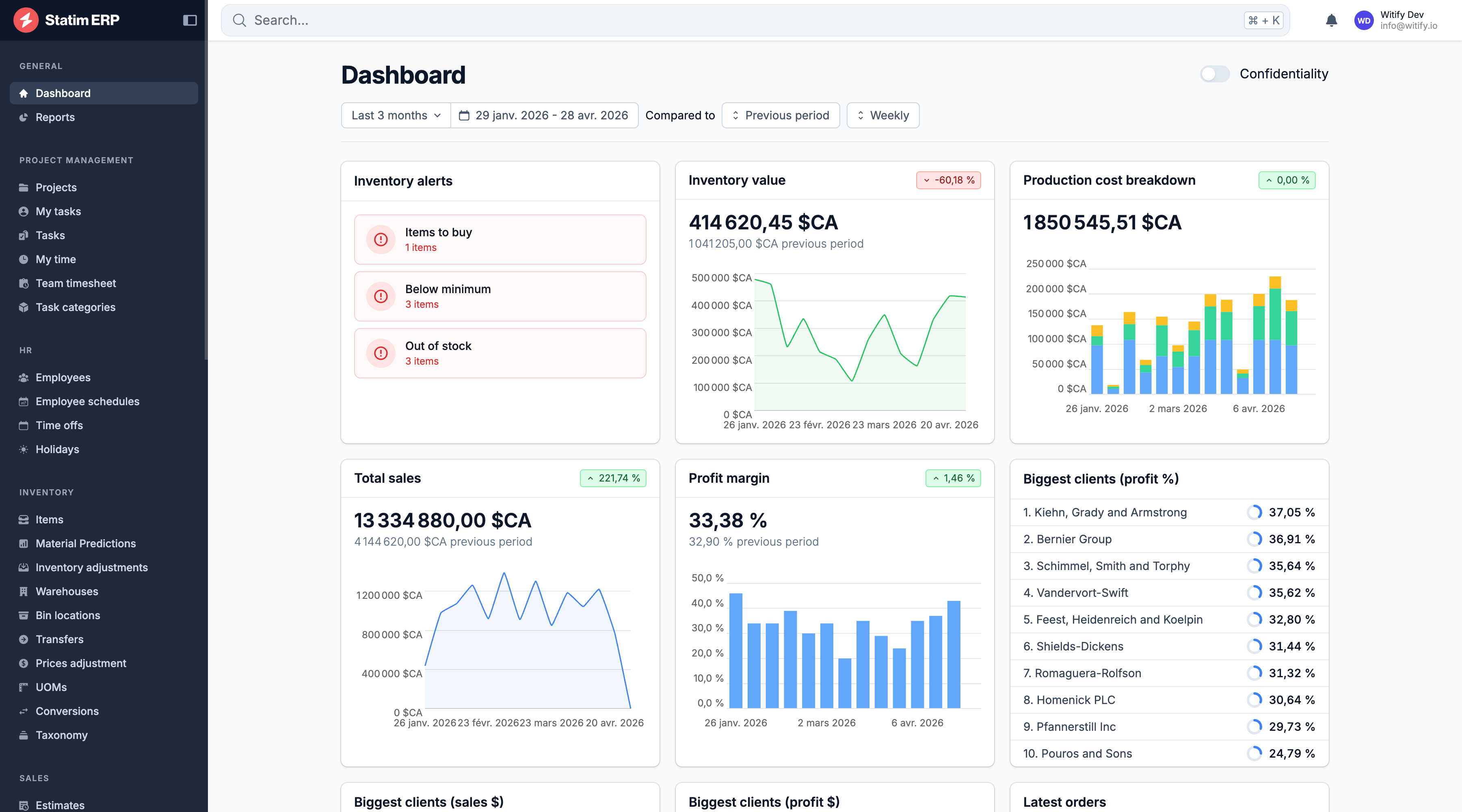
Manufacturing accounting without the double entry
Multi-currency, automatic rates
Transact in USD, CAD, and EUR. Exchange rates import daily from a live feed. Every document converts automatically to your base currency for reporting. No spreadsheets. No manual lookups.
Taxes that match your transactions
Configure tax rates for sales, purchases, or both. Apply multiple tax components per transaction with automatic calculations. Your tax setup matches your jurisdiction, not a generic template.
Your accounting software stays in sync
Invoices, bills, payments, credits, and inventory adjustments all sync to your accounting software automatically. Two-way data flow means your books reflect reality without re-keying a single number.
Tax rates that follow your business rules, not the other way around
Tax configuration in most ERPs is either too rigid or too manual. You end up overriding rates on individual documents or maintaining a spreadsheet of exceptions. Statim ERP lets you define taxes by type (sale, purchase, or both), assign them by region, and apply compound rates per transaction. The math happens automatically on every order, invoice, PO, and bill.
Three tax types, one configuration
Mark each tax rate as sale-only, purchase-only, or both. The system applies the correct rate based on the document type. No manual selection, no mistakes.
Compound tax rates
Some jurisdictions require multiple taxes on a single transaction: federal plus state, GST plus PST. Define as many rate components as you need per tax group. Each component calculates independently, then sums to the total.
Region-based assignment
Tie taxes to geographic regions so the right rate applies to the right client or supplier. When you invoice a client in Quebec versus Ontario, the tax changes automatically.
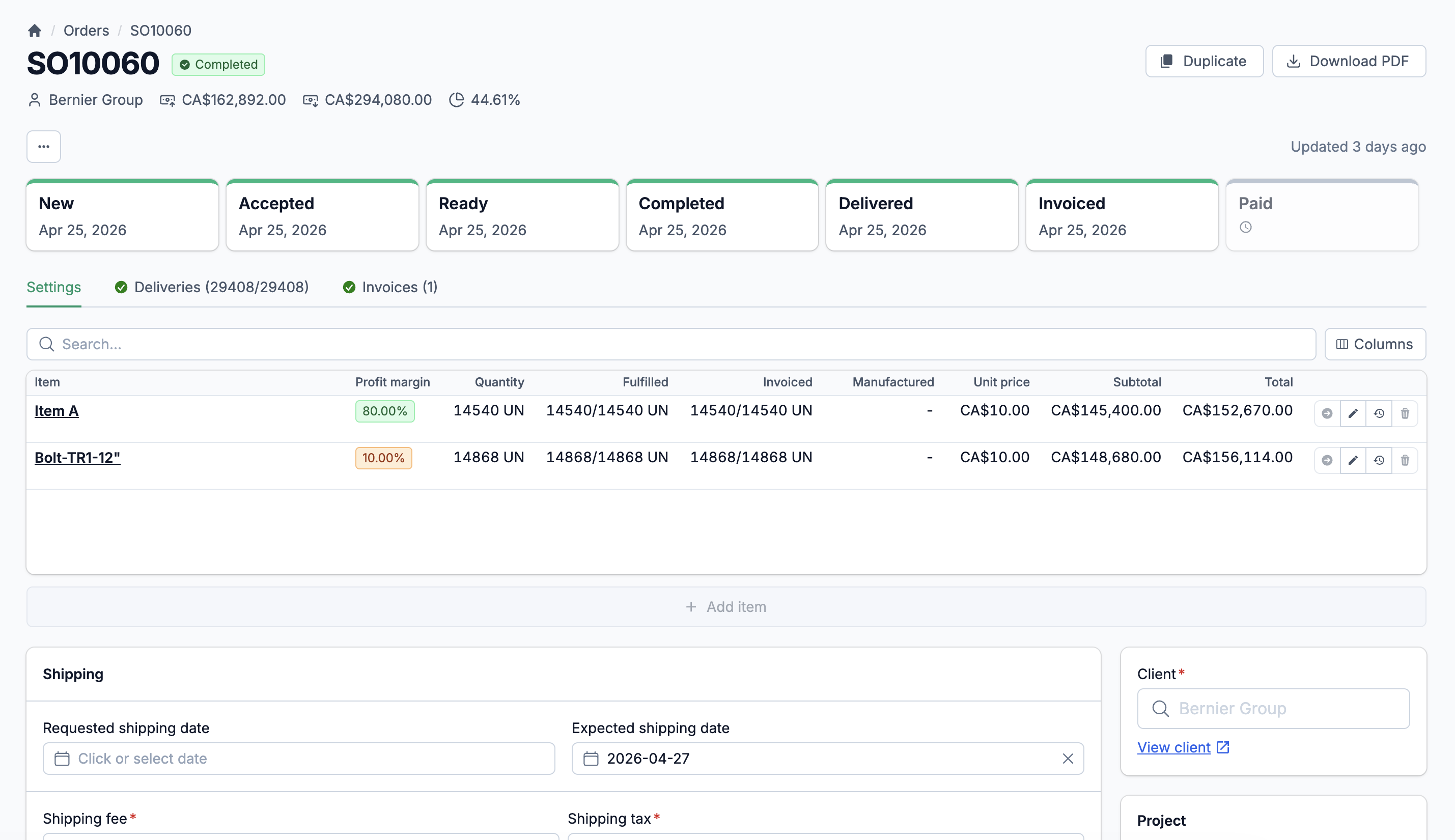
Three currencies. Daily rates. Zero manual conversion.
You buy materials in USD from an American supplier. You sell finished goods in CAD to a local distributor. Your European client pays in EUR. Statim ERP supports all three currencies with exchange rates that import automatically every day. Every document, from purchase order to invoice to payment, converts to your base currency for consistent reporting. When your accountant asks for the rate on a specific date, it's already there.
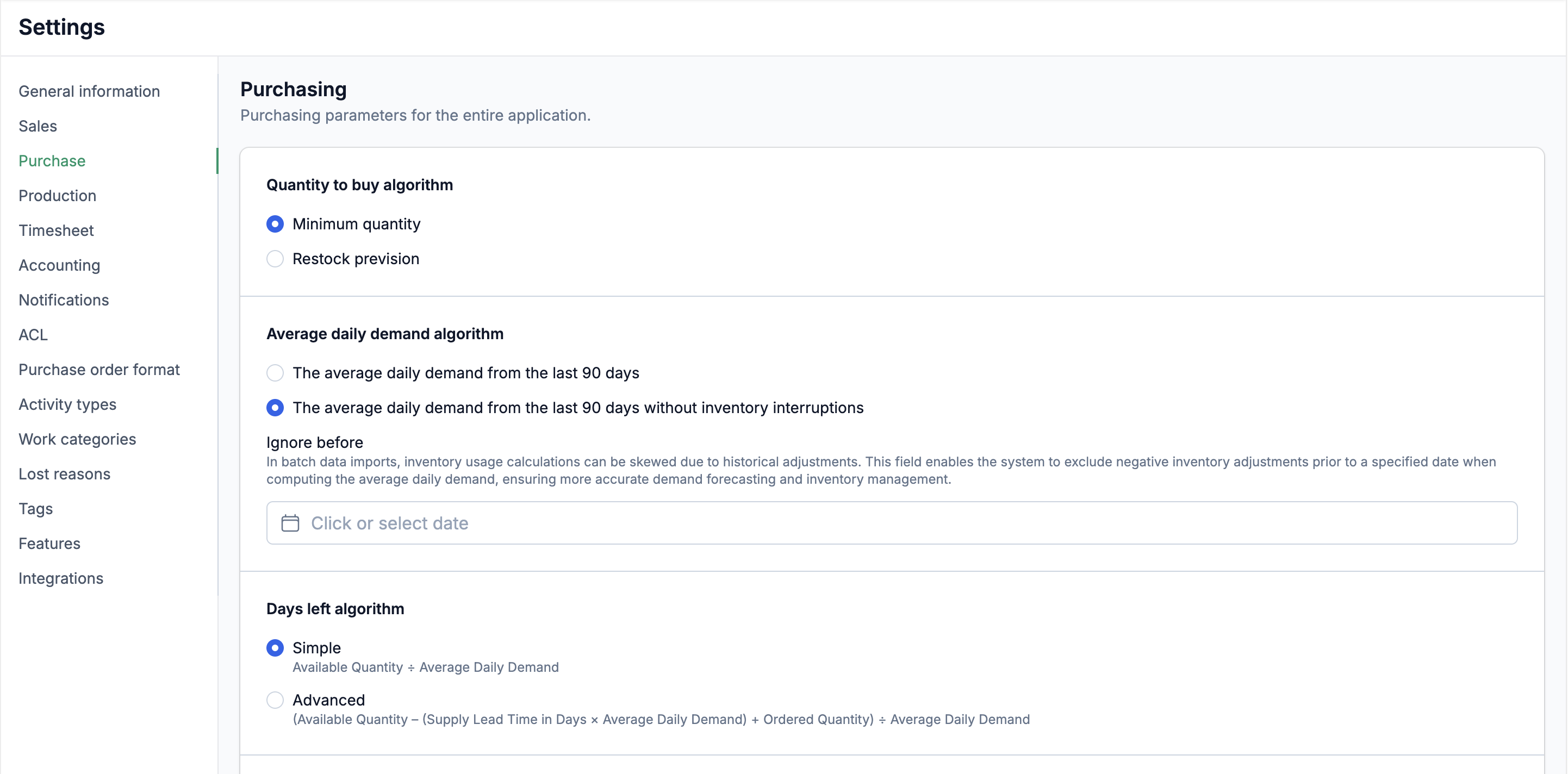
Automatic Rate Import
Exchange rates pull from a live data feed daily. Rates are cached per currency per date, so the conversion on a January invoice stays accurate even when you review it in March.
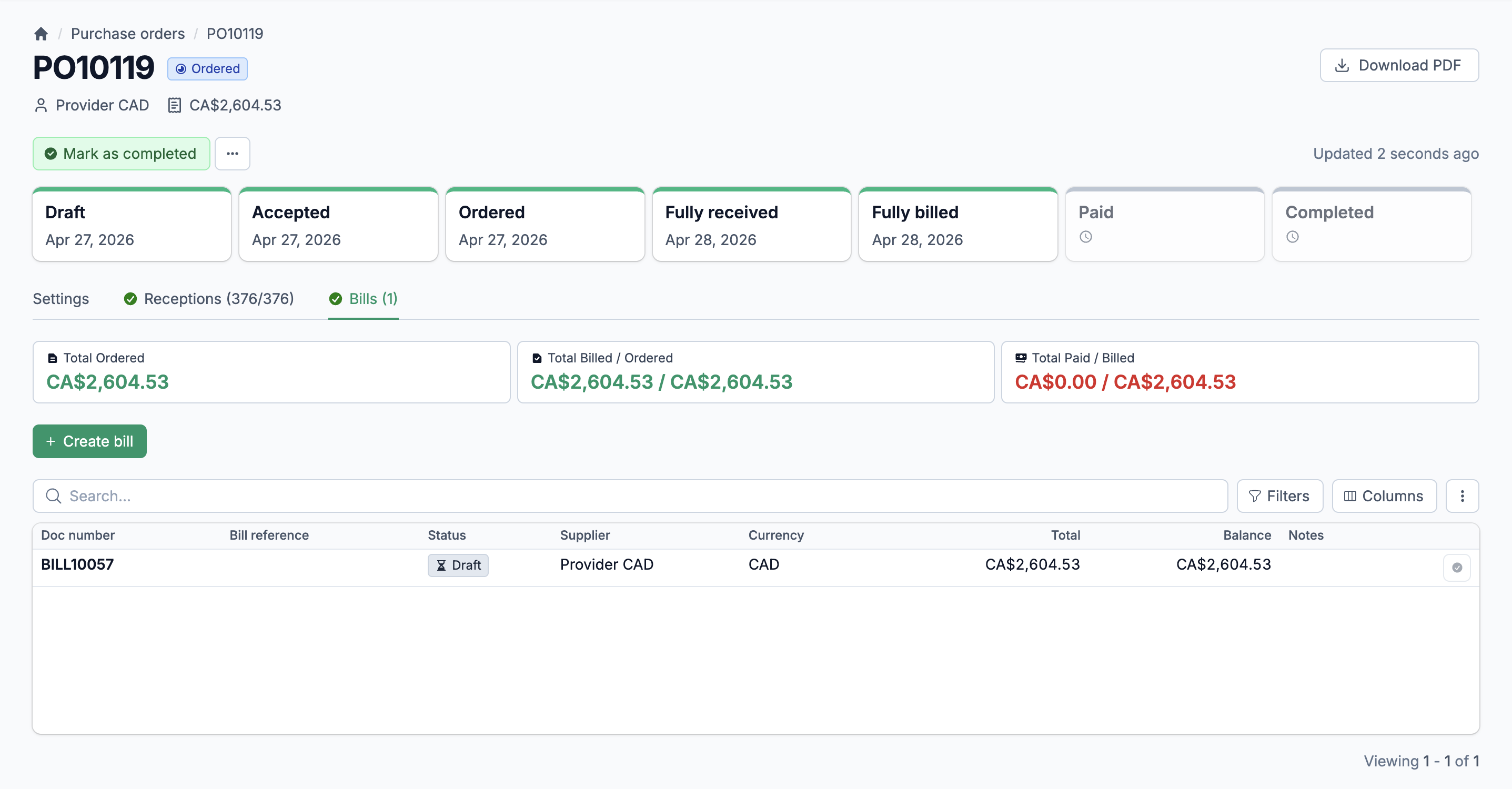
Per-Document Currency
Each transaction stores its own currency and rate. Bills in USD, invoices in CAD, credits in EUR. The base currency total calculates automatically for every line.
Rate History
Every imported rate is stored with its date. Audit-ready. Filter by currency and date range to review historical conversions or verify a specific transaction.
Five account types
Organize your chart of accounts into Asset, Liability, Equity, Revenue, and Expense categories. Each account carries its own currency, number, and description. Activate or deactivate accounts as your business changes.
Default account mapping
Statim ERP pre-configures key accounts: inventory asset, cost of goods sold, accounts payable (per currency), accounts receivable, and sales income. Change the defaults anytime. New items, bills, and invoices inherit the correct accounts automatically.
Accounting software import
Already have a chart of accounts in your accounting software? Import it in one click. Account names, types, and numbers sync over so you do not have to rebuild your structure from scratch.
Seven payment methods. Four net terms. Configured per partner.
Every client and supplier has their own payment preferences. Statim ERP supports 7 payment methods (wire transfer, credit card, digital payment, check, cash, money order, and ACH) and 4 net payment terms (Net 0, Net 15, Net 30, Net 45). Assign defaults at the client or supplier level. When you create an invoice or bill, the correct terms and method carry over automatically.
Client-level payment terms
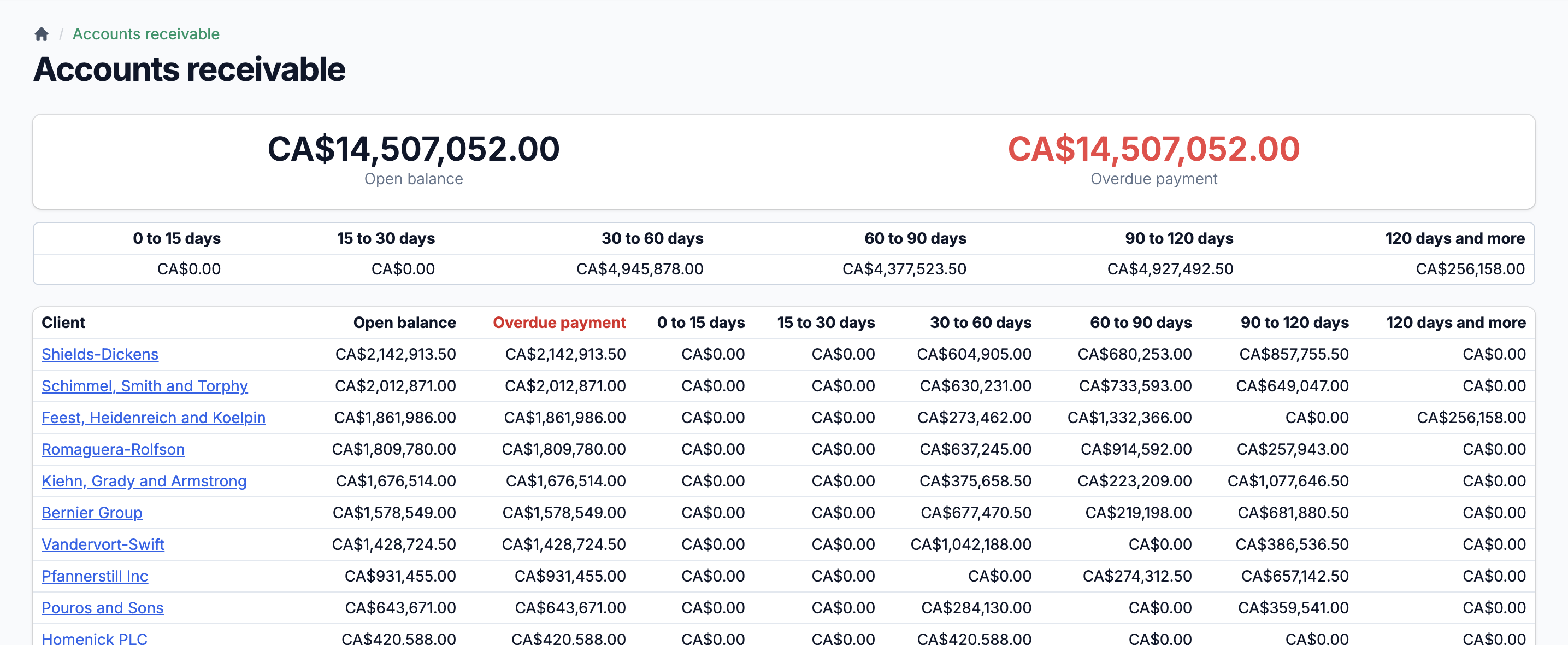
Set default net terms per client. Invoices inherit the terms automatically, and the system calculates due dates. Your accounts receivable aging report breaks down balances by 0-15, 15-30, 30-60, 60-90, 90-120, and 120+ day ranges.
Supplier-level payment methods
Each supplier stores a preferred payment method and additional payment instructions. Bill payments reference these defaults so your AP team does not have to look them up every time.
Credits with full lifecycle tracking
Issue client credits or supplier credits with tax calculations, status tracking (unapplied, partially applied, applied), and automatic balance recalculation. Credits apply against payments and reduce outstanding balances in real time.
Your ERP and your accounting software, always aligned
Manufacturers should not have to choose between an ERP that understands production and accounting software that their bookkeeper knows. Statim ERP syncs with your accounting software — QuickBooks, Xero, or SAP Business One Online — so both systems stay current. Invoices, bills, payments, credits, inventory adjustments, clients, suppliers, and items all push to your accounting software automatically. Ledger accounts, taxes, and book close dates pull back in. Ten entity types. Two-way sync. One source of truth.
10 entity types sync to your accounting software
Invoices, bills, client payments, supplier payments, client credits, vendor credits, inventory adjustments, items, clients, and suppliers. Each entity syncs automatically when its status allows. Failed syncs surface in a dedicated dashboard with error details and force-retry options.
Import from your accounting software
Pull your chart of accounts, tax codes, and book close date directly from your accounting software. No manual re-entry. Your closed period enforcement in Statim ERP matches your accounting software automatically.
Balance Sheet and P&L reports
View your Balance Sheet and Profit & Loss reports directly inside Statim ERP, pulled from your accounting software with your real-time inventory value added in. One screen for the numbers that matter.