
One source of truth for every SKU, cost, and price
Your item data is probably scattered across spreadsheets, supplier emails, and someone's notebook. SKUs without costs. Costs without history. Prices that no one updated last quarter. Statim ERP brings every product detail into a single catalog: master data, costing, pricing, supplier links, taxonomy, and images. Always current. Always consistent.
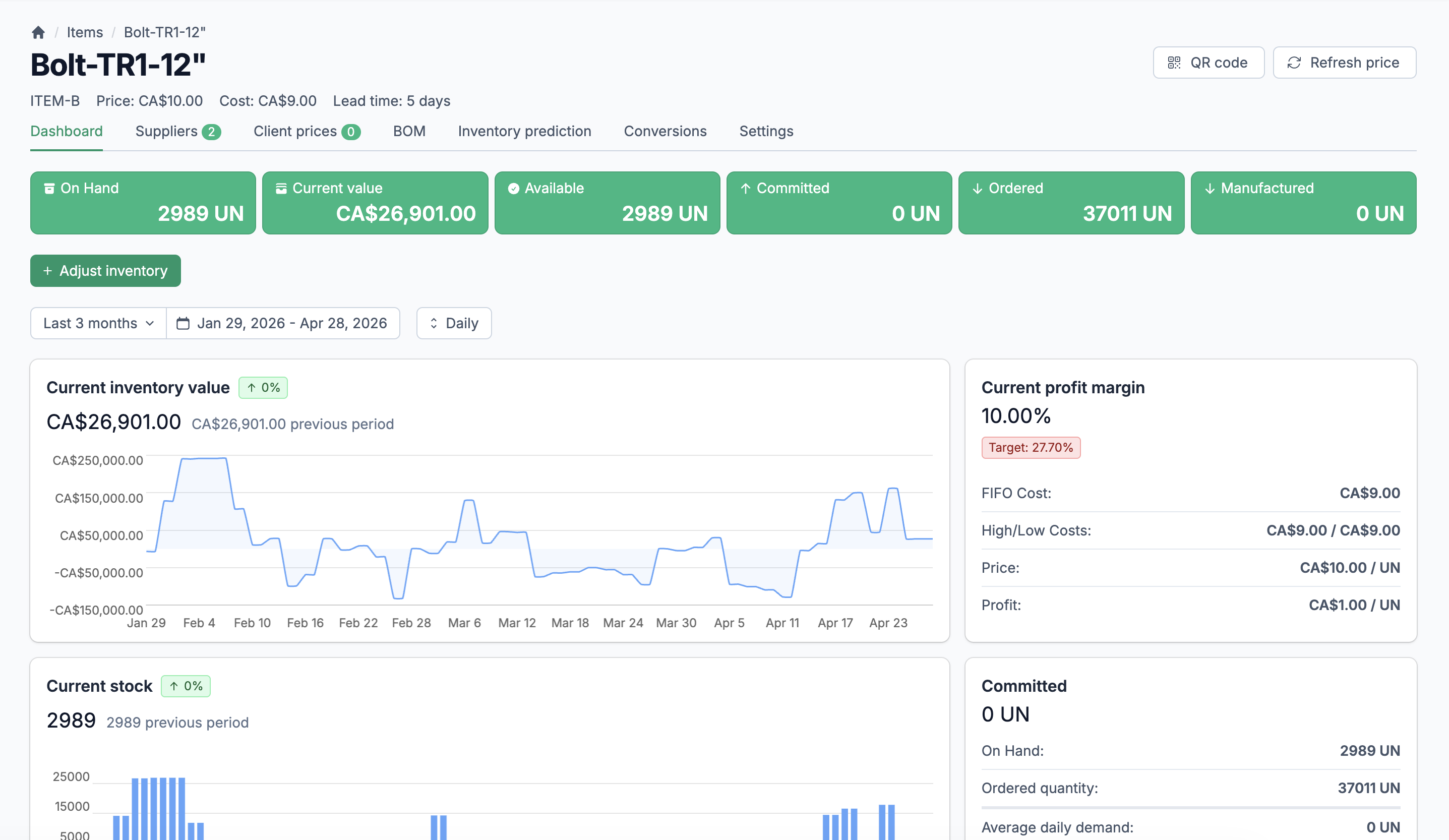
Your entire product catalog, structured, priced, and ready
Complete product master data
Every item carries its full profile: SKU, description, brand, images, QR code, 7 UOM configurations, format details, and notes. One record, not five files.
Real costs, updated automatically
FIFO costing runs on every inventory movement. You see the current cost, the last cost, the lowest, and the highest. No manual spreadsheet updates. No stale numbers.
Pricing that stays connected to costs
Set sale prices manually, refresh them daily, or let the system recalculate in real time when costs change. Client-specific pricing, target margins, and discount tracking are built in.
Every detail about every product, in one record
A product is more than a SKU and a description. It has costs, prices, margins, suppliers, images, tax rules, ledger accounts, and unit-of-measure configurations that differ by context. Most systems make you hunt across screens for this information. Statim ERP puts it all on the item record, structured and searchable.
SKU, description, brand, and images
Each item has a unique SKU, a short name, a slug for web URLs, and a brand assignment. Upload multiple product images with automatic thumbnail generation. Notes, long descriptions, and meta fields support bilingual content for e-commerce.
7 UOM configurations per item
Assign a separate unit of measure for base inventory, sales, purchasing, reception, production parts, production serial units, and inventory counting. Each UOM has its own precision and step settings. Conversion factors handle the math across every document automatically.
QR codes, format details, and archive support
Generate QR codes for any item, linking directly to its product sheet. Track format details like "12 x 500 ml" with unit count and format value fields. Archive discontinued items without losing history.
Three levels of classification. Zero ambiguity.
Every item belongs to a type, which sits under a subcategory, which rolls up to a category. This three-level hierarchy gives you consistent classification across your entire catalog. Filter, report, and search by any level. When your team adds a new product, the taxonomy tells them exactly where it goes.
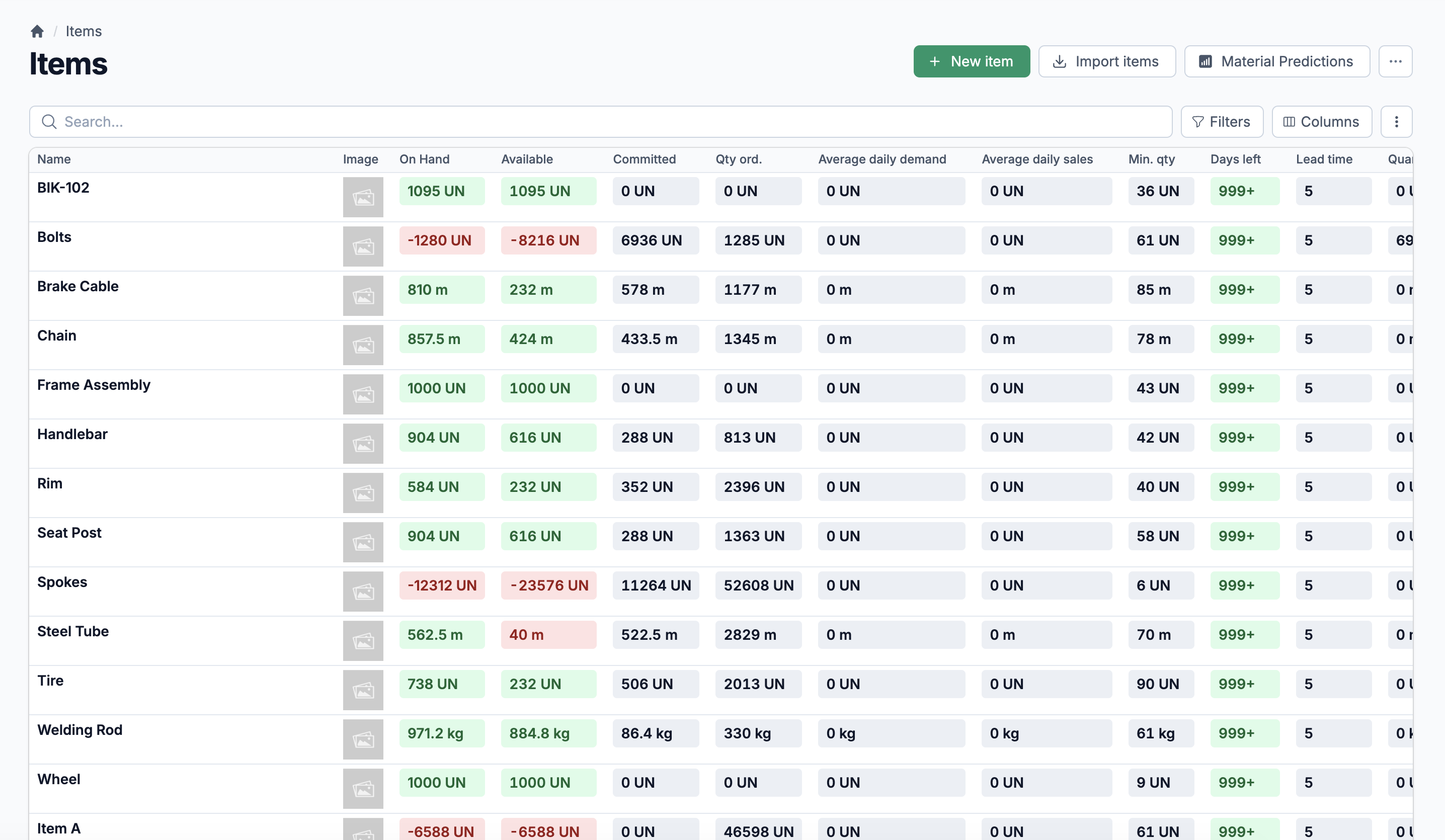
Brands
Assign brands to items for filtering, reporting, and catalog organization. Each brand record is simple: name and notes. Bulk-import brands alongside your item data.
Recommended Items
Link related products together as recommendations. When your sales team pulls up an item, they see what else the customer might need. Cross-sell without guesswork.
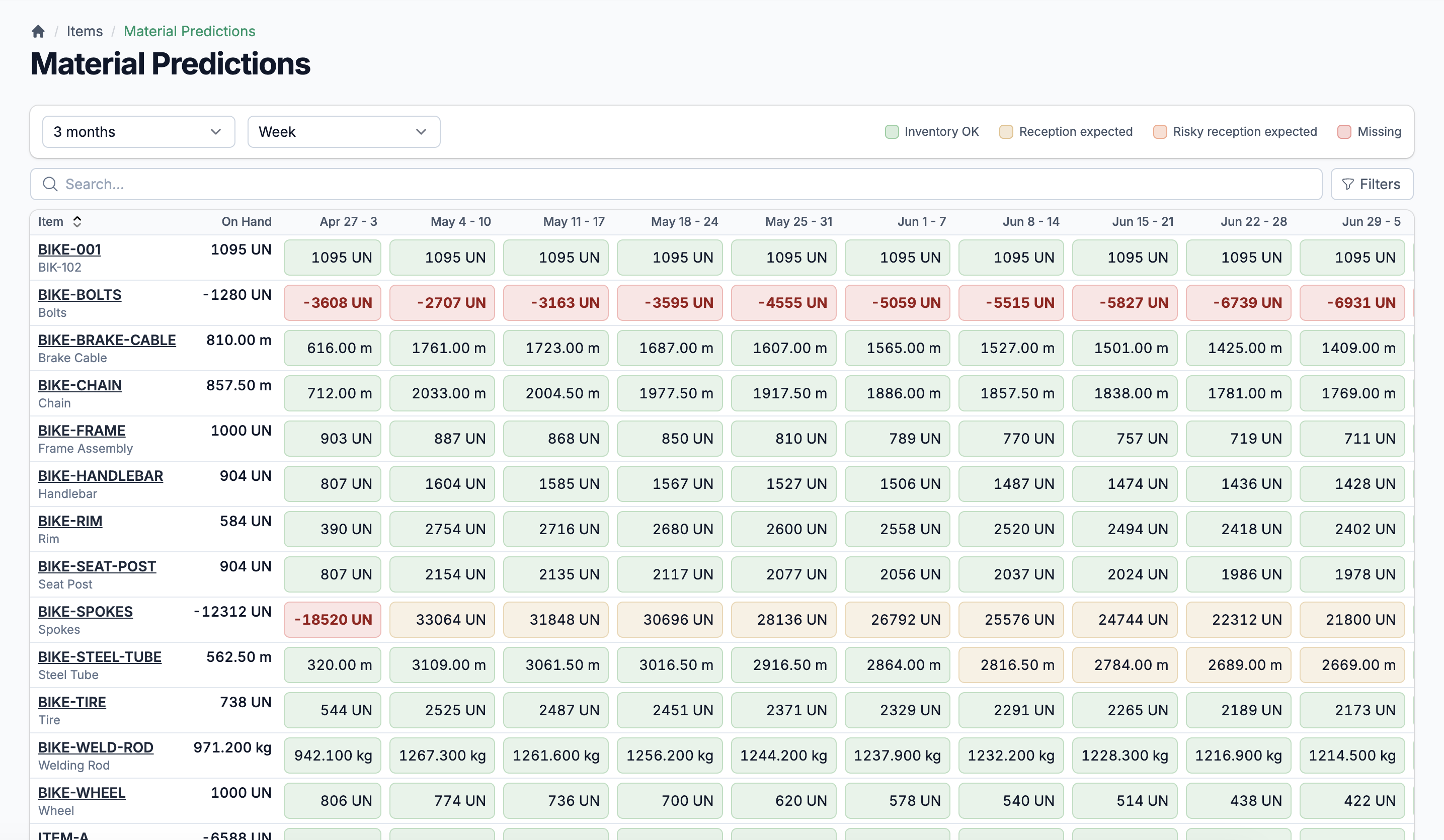
Integrations
Items sync to your accounting software and Shopify automatically. Each item tracks its integration data and sync status. Your catalog stays consistent across your ERP, your accounting system, and your online store.
Five cost fields, always current
Every item tracks its FIFO cost, last cost, low cost, high cost, and application cost. These update automatically when inventory adjustments are processed. No batch recalculations, no waiting until month-end.
Cost history through daily logs
The system records each item's inventory value, quantity, and FIFO cost daily. You can look back at any date and see exactly what an item cost and how much stock you held. Auditors appreciate this.
Cost changes ripple through BOMs
When an item's cost updates, every bill of materials that uses it gets recalculated automatically. Your manufactured product costs stay accurate without manual intervention, from raw materials all the way up.
Three pricing modes. Client-specific overrides. Margin tracking.
Not every item is priced the same way. Some have a fixed sale price. Some are priced daily based on market conditions. Others recalculate in real time when costs change. Statim ERP supports all three modes per item, plus client-specific pricing, volume discounts, target profit margins, and exclusivity flags. Your pricing rules live in the system, not in someone's head.
Manual, daily, or real-time pricing
Choose how each item's price behaves. Manual for stable pricing. Daily for market-driven items. Real-time for products where cost changes should immediately update the sale price. The system handles the recalculation.
Client-specific pricing and margins
Set custom prices and target profit margins per client. Mark items as exclusive to specific clients. Your sales team sees the right price for the right customer, every time.
Profit margin visibility at a glance
Every item shows its current profit and margin, calculated from the sale price and base-UOM cost with automatic conversion. Color-coded indicators flag items where the actual margin falls below the target.
Link every item to its suppliers, with their codes and their costs
Most items come from multiple suppliers. Each supplier has their own product code, their own cost, and their own ordering step. Statim ERP tracks all of it on the item record. Assign a main supplier for each item. The system calculates the last cost, best cost (lowest in the past year), and average cost from actual purchase order history. When your purchasing team builds a PO, they see real data, not assumptions.
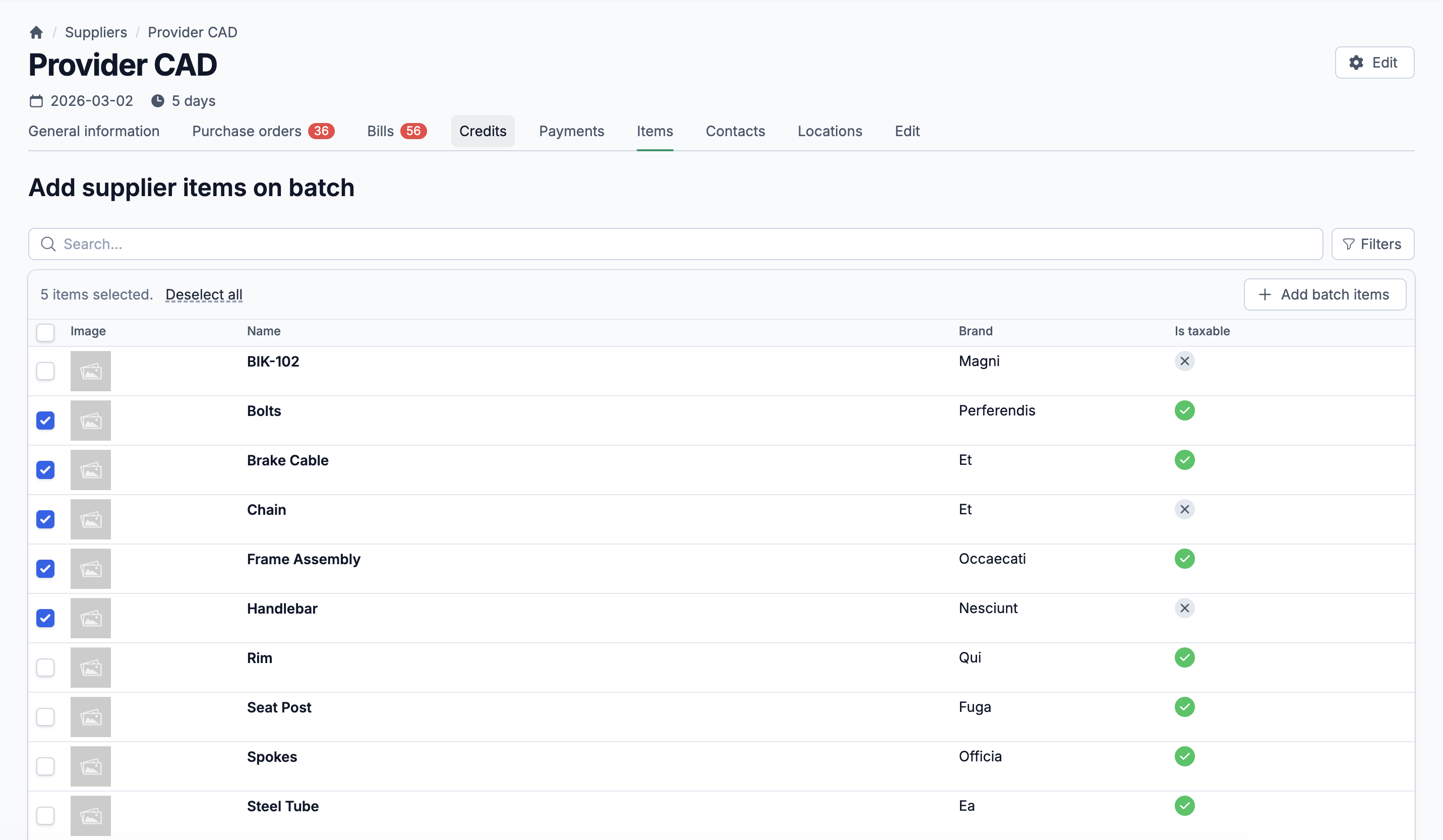
Bulk-load your catalog. Export it whenever you need to.
Moving to Statim ERP does not mean re-entering thousands of items by hand. The multi-sheet Excel import handles categories, subcategories, types, brands, items, suppliers, supplier-item links, locations, and recommended items in a single file. Each sheet maps to its own data type with validation. For exports, pull your full item catalog with quantities, costs, prices, and supplier information into a spreadsheet with one click.